Keep It Local
Table of Contents
Who wants to talk about networking today? I know I do. Two
addresses do most of the heavy lifting here: 127.0.0.1 (aka localhost or the
loopback address — only your own machine can reach it) and 0.0.0.0 (bind to
this and you’re reachable on every network interface). See
Localhost and
0.0.0.0 for a refresher.
#clodhopper
Yesterday I talked about clodhopper, my
personal Claude Code dashboard. It collects data from your running agents and
spins up a read-only app to show their status. By default, it
binds to localhost (127.0.0.1), which means I don’t accidentally broadcast my
workflows to the world. I also run it on my Tailscale network, which means I can view it on my
own private network, but the world can’t. I was doing this by interpolating the
Tailscale IP in the startup command: clodhopper serve --host "$(tailscale ip -4)". Today I added a --tailscale arg, to make this a touch easier.
# Default: loopback only — only this machine can reach it
clodhopper serve

# Don't do this on an untrusted network — binds every interface
CLODHOPPER_HOST=0.0.0.0 clodhopper serve

# Tailnet only — reachable from your tailnet (subject to ACLs), not the LAN
clodhopper serve --tailscale
So, that’s all fine, but we are now living in a world where anyone can spin up a custom app on their machine and accidentally broadcast it to the world. Is this bad? Not always, but consider the following:
- your app keeps secrets in
.env - your app spins up a web server
.envsomehow ends up in the path that your app is serving- random bot sniffs out your app and fetches
.env - now you need to rotate your secrets and you may not even be aware that your secrets are in the hands of a bad actor
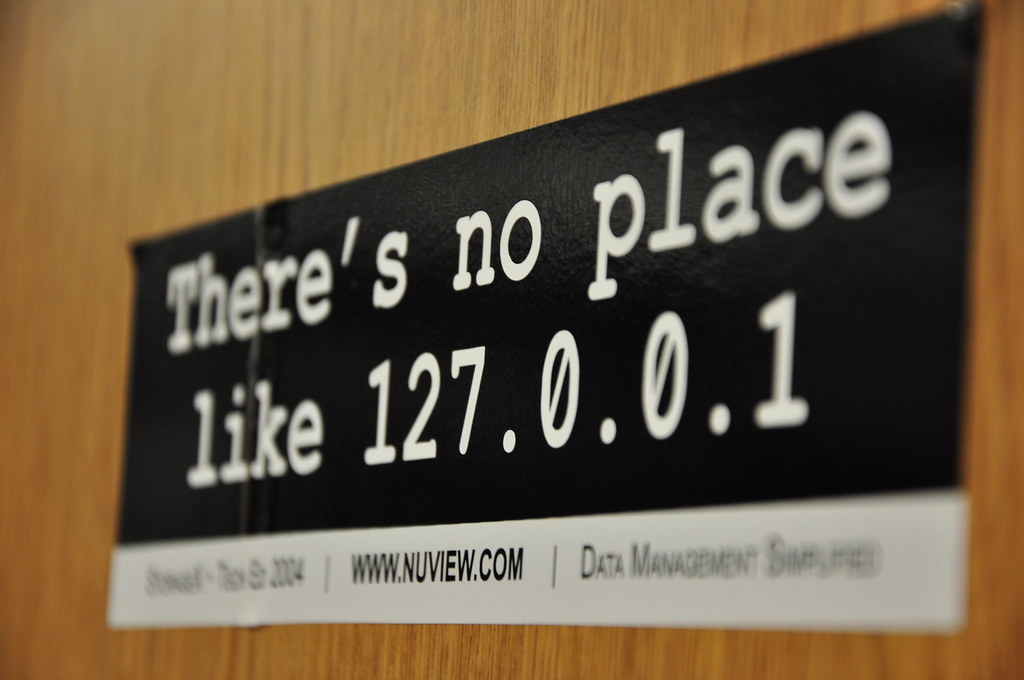
"Localhost" by Wesley Nitsckie is licensed under CC BY-SA 2.0 

 .
.
Ideally you’d restrict access to your resources to only the audiences which
require them. So, defaulting to localhost and then expanding your reach from
there is a good way to go. In my case I’ve been enjoying using a
Tailscale tailnet. Only my own authenticated devices
can connect. Internet creeping will have to take place elsewhere, because my
apps are now for my eyes only.
Moving beyond clodhopper, here are ways to apply the same principle to some open source apps.
#air
- air runs
full_binthrough a shell, so you can interpolatetailscale ip -4straight into your app’s host flag in.air.toml— no hardcoded address:
[build]
# Loopback only
full_bin = "./tmp/main -port 5003 -host 127.0.0.1"

# Tailnet only — resolved at startup, no hardcoded address
full_bin = "./tmp/main -port 5003 -host $(tailscale ip -4)"
#Python’s built-in file server
http.serverbinds0.0.0.0by default — pass an explicit--bind.
# Default binds 0.0.0.0 (all interfaces)
python3 -m http.server 5000

# Loopback only
python3 -m http.server 5000 --bind 127.0.0.1

# Tailnet only
python3 -m http.server 5000 --bind "$(tailscale ip -4)"
#App::HTTPThis
- App::HTTPThis serves the current directory over HTTP.
- Use
--hostto control the bind address.
# Loopback only
http_this --host 127.0.0.1

# Tailnet only
http_this --host "$(tailscale ip -4)"
nota bene: the current version of http_this binds to every interface
but emits a message that implies that it is binding only to 127.0.0.1.
$ http_this .
Exporting '.', available at:
   http://127.0.0.1:7007/
😬 Today I opened #13 to clarify the behaviour, but maybe take this as a reminder that it’s good to be explicit about the things that really matter, rather than relying on the defaults.
#Addendum
In the days since I originally posted this, #13 has since been merged and the security settings have been improved beyond my initial suggestion. \o/